Home /
Shop
/ Monitoring Devices / FBT-N-WR Mini Smart Switch 16A 2 Gang Works with Smart Life App Alexa Google Home
Fix By Tech
FBT-N-WR Mini Smart Switch 16A 2 Gang Works with Smart Life App Alexa Google Home
SKU: AR-002685
Rs 2,200
Rs 2,600
Save 15%
In stock
FBT-N-WR Mini Smart Switch 16A 2 Gang Works with Smart Life App Alexa Google Home The Fixbytech Smart Switch (FBT-N-WR2) is a versatile Wi-Fi-enabled device that lets you control your electrical appliances and lighting from anywhere. With dual-channel output and a high load capacity of 16A, it supports AC 100-240V at 50/60Hz, making it ideal for modern smart homes.
Questions? WhatsApp us →FBT-N-WR Mini Smart Switch 16A 2 Gang Works with Smart Life App Alexa Google Home
The Fixbytech Smart Switch (FBT-N-WR2) is a versatile Wi-Fi-enabled device that lets you control your electrical appliances and lighting from anywhere. With dual-channel output and a high load capacity of 16A, it supports AC 100-240V at 50/60Hz, making it ideal for modern smart homes.
Key Features:
Dual Independent Control – Operate two devices separately through a single smart switch module.
App Remote Control – Control connected appliances anytime via the Fixbytech Smart app (iOS/Android).
Voice Command Support – Compatible with Amazon Alexa and Google Assistant for hands-free control.
Timer & Schedule Settings – Automate devices with custom schedules, countdowns, and recurring timers.
Scene Mode – Group multiple smart devices for one-tap automation (e.g., “Good Night” scene).
Device Sharing – Share control access with family members through the app.
Power-On State Memory – Configure the default state after a power outage (ON, OFF, or last state).
Overload Protection – Built-in safety features prevent short circuits and power surges.
Compact Installation – Installs behind traditional wall switches or inside junction boxes.
HOW TO CONNECT:
•
Turn Off Power: Switch off the main power supply before installation for safety.
•
Install the Switch:
• Connect the live (L), neutral (N), and load wires according to the wiring diagram.
• Secure the mini switch behind your wall switch or inside a switch box.
•
Restore Power:Turn the power back on after proper installation.
•
Download the App: Install the Fixbytech Smart app from the App Store or Google Play.
•
>Pair the Device:
• Open the app and tap “Add Device.”
• Put the switch into pairing mode (usually by holding the reset button for 5 seconds until the indicator blinks).
• Follow the on-screen steps to connect to your Wi-Fi.
Complete Setup: Name the device and assign it to a room. You’re now ready to control it remotely or with voice assistants.
The Fixbytech Smart Switch (FBT-N-WR2) is a versatile Wi-Fi-enabled device that lets you control your electrical appliances and lighting from anywhere. With dual-channel output and a high load capacity of 16A, it supports AC 100-240V at 50/60Hz, making it ideal for modern smart homes.
Key Features:
Dual Independent Control – Operate two devices separately through a single smart switch module.
App Remote Control – Control connected appliances anytime via the Fixbytech Smart app (iOS/Android).
Voice Command Support – Compatible with Amazon Alexa and Google Assistant for hands-free control.
Timer & Schedule Settings – Automate devices with custom schedules, countdowns, and recurring timers.
Scene Mode – Group multiple smart devices for one-tap automation (e.g., “Good Night” scene).
Device Sharing – Share control access with family members through the app.
Power-On State Memory – Configure the default state after a power outage (ON, OFF, or last state).
Overload Protection – Built-in safety features prevent short circuits and power surges.
Compact Installation – Installs behind traditional wall switches or inside junction boxes.
HOW TO CONNECT:
•
Turn Off Power: Switch off the main power supply before installation for safety.
•
Install the Switch:
• Connect the live (L), neutral (N), and load wires according to the wiring diagram.
• Secure the mini switch behind your wall switch or inside a switch box.
•
Restore Power:Turn the power back on after proper installation.
•
Download the App: Install the Fixbytech Smart app from the App Store or Google Play.
•
>Pair the Device:
• Open the app and tap “Add Device.”
• Put the switch into pairing mode (usually by holding the reset button for 5 seconds until the indicator blinks).
• Follow the on-screen steps to connect to your Wi-Fi.
Complete Setup: Name the device and assign it to a room. You’re now ready to control it remotely or with voice assistants.
Specifications will be listed here.
No reviews yet.
Sign in to write a review.
Related products
 -4%
-4%
SWST
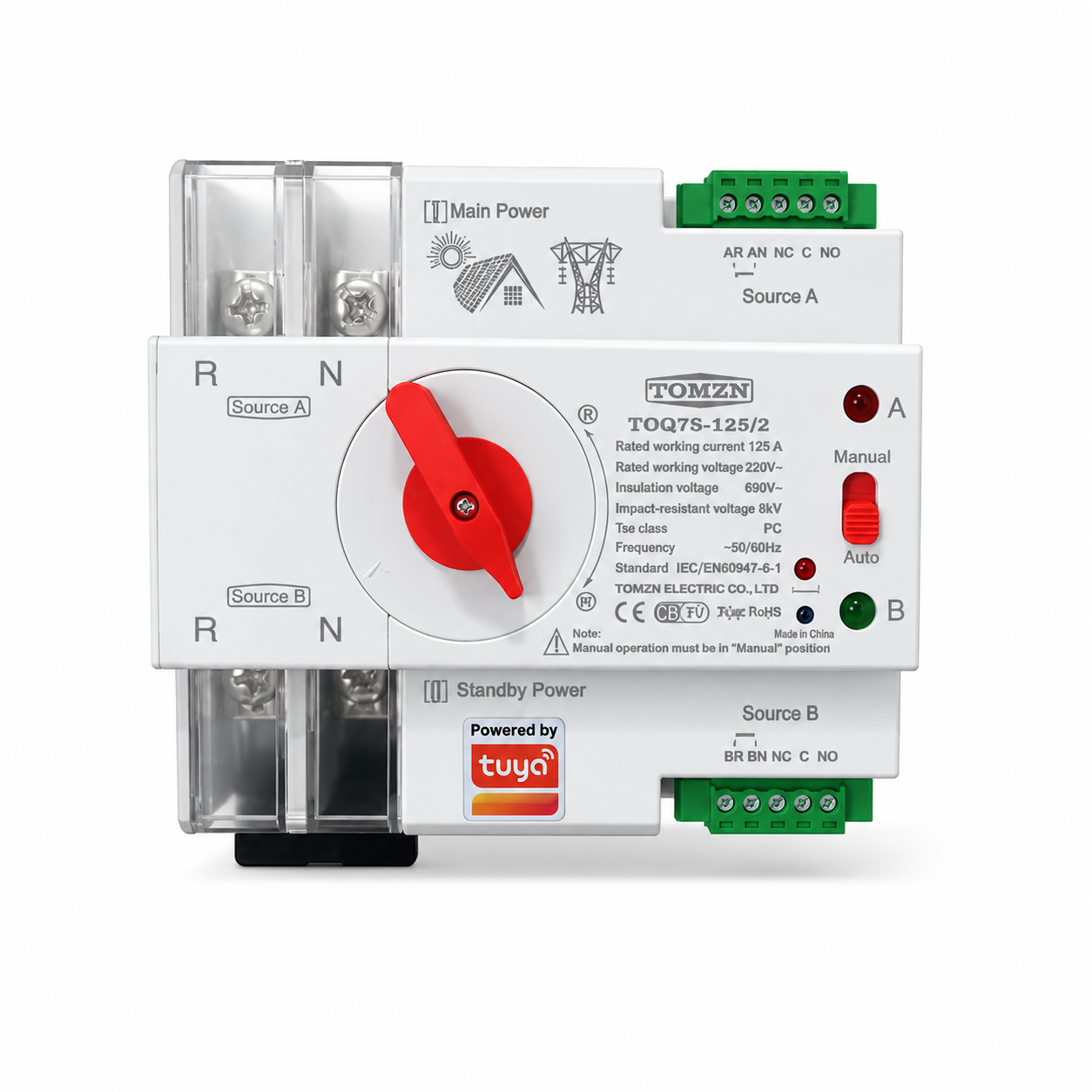
TOMZN TOQ7s-125/2P Automatic Transfer Switch 125A | Dual Power Changeover with WiFi Control
Rs 12,999
Rs 13,500